


Flexible
Work with TypeScript or JavaScript. Drop it in existing projects or start fresh with easy configuration.
Work seamlessly on your Vue 3 or Nuxt websites. Fast, Customizable and Web Responsive PDF viewer. Save you weeks of development time.
Trusted by developers from companies in 12 industries and across 32 countries
Looking for more features?
Scroll down to learn more
 Highlight
Make your PDF handling look like it’s meant to be there. Here's what our component brings to your Vue.js projects
Interactive Annotation Tools
Allow your user to interact with your PDF document using annotation tools such as Highlight, Underline, Strikethrough, Free Text and more.

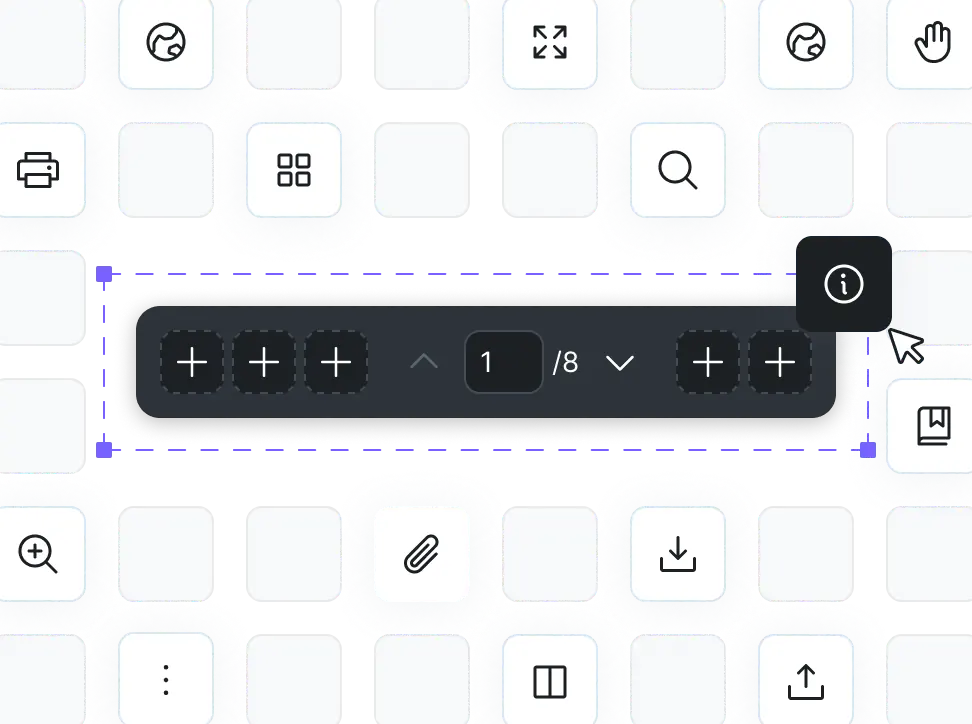
customizable panel
Create a custom panel by adding your own components to the toolbar, sidebar, or pages to match to provide smooth user experience for your users.
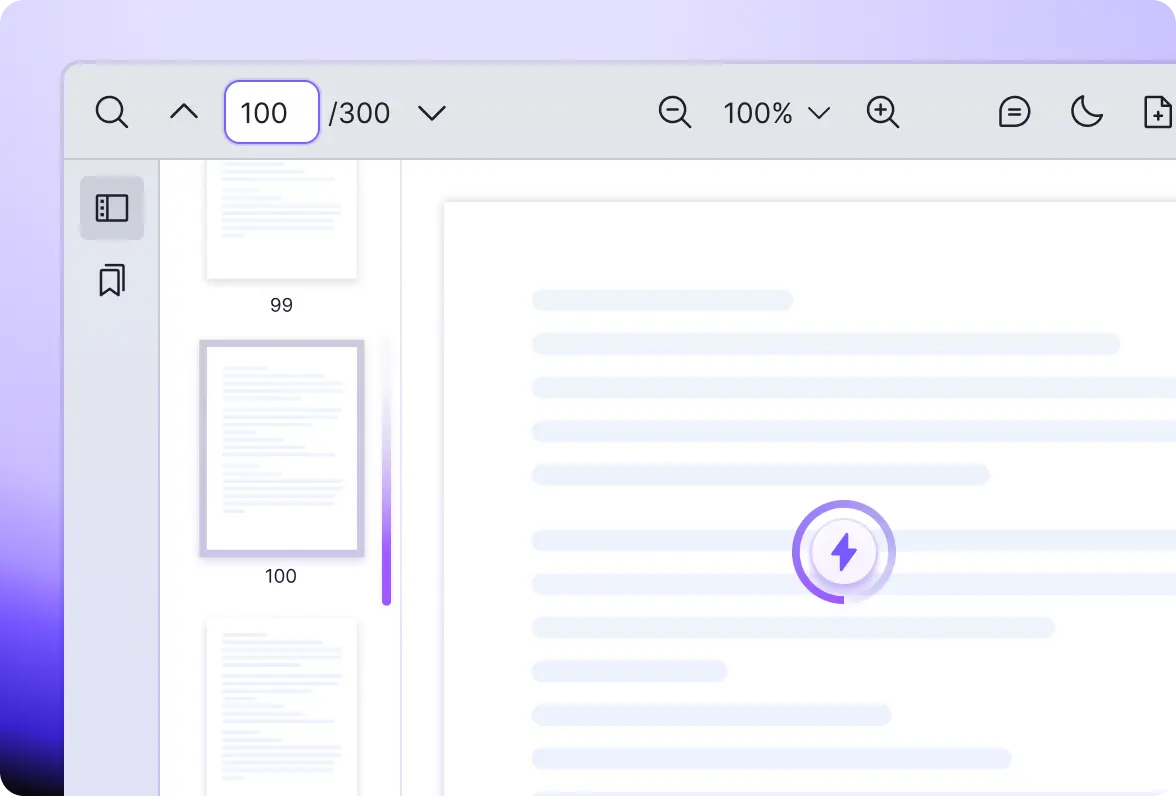
High-Performance Vue PDF Viewer
View and process large PDF documents without compromising performance. Our solution ensures smooth loading and scrolling experience.
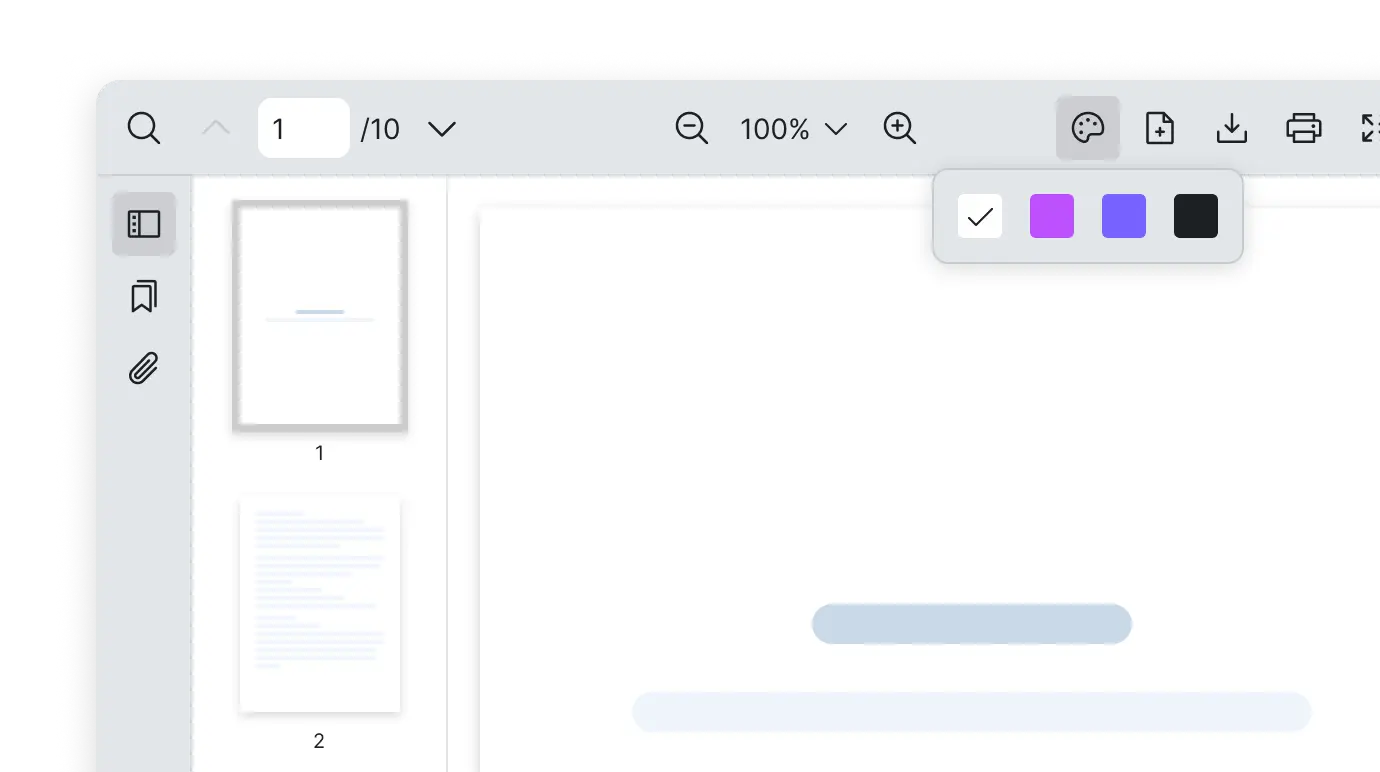
theme
Personalize PDF viewer interface to match your website style whether with built-in dark/light mode or CSS variables making it visually engaging.
Exposed API
Access various methods such as search, print and page navigation externally, along with PDF Viewer events to seamlessly integrate Vue PDF Viewer into your applications.

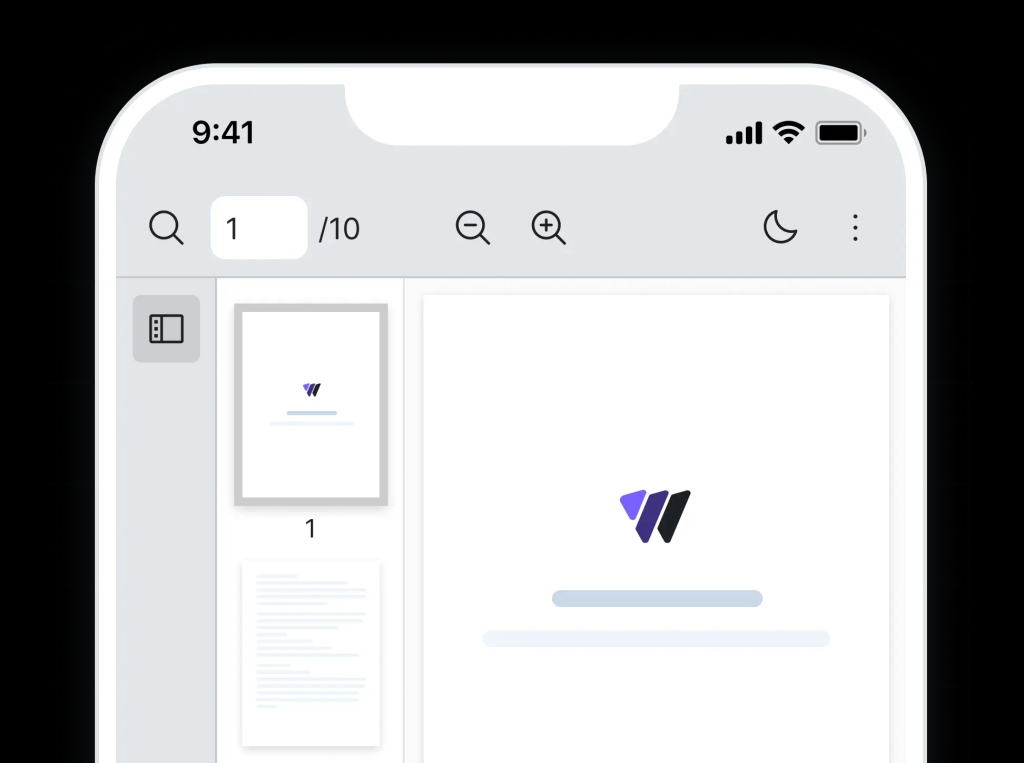
responsive
Develop with web responsiveness in mind. Vue PDF Viewer is compatible with popular screen sizes for a smooth viewing experience.
 Why
WhyWe're developers who've struggled with PDF integration too. That's why we built Vue PDF Viewer to be flexible, reliable, and actually enjoyable to work with.
Work with TypeScript or JavaScript. Drop it in existing projects or start fresh with easy configuration.
Battle-tested. Includes starter templates for Vue, Nuxt, Quasar and more so you can ship faster.
Consistent performance across major browsers: Chrome, Firefox, Edge, Safari, and Opera.
Clear structure, detailed usage guides and examples for easy copy-paste code snippets.
Regular updates with new features and enhancements to keep the component current.
Your feedback is important to us. Get timely technical support for your use cases.
 Testimonials
Here are some reasons why our customers love Vue PDF Viewer.
 How it Works
Integrating or trying out new library or product can be frustrating.
So we want the experience of using Vue PDF Viewer to be as easy as possible.

Step 1
Run a single command to add the library
Step 2
Import the PDF Viewer component
Step 3
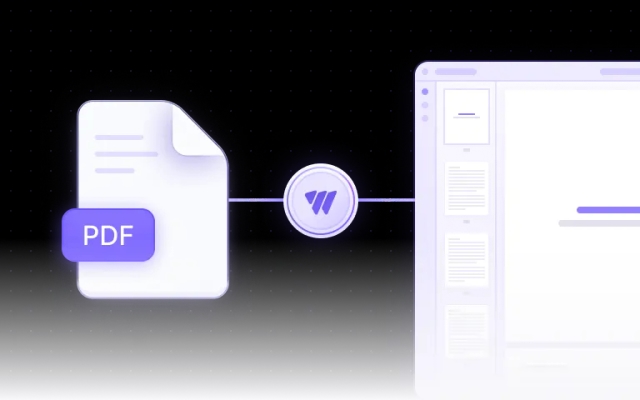
Initiate and display PDF in your Vue project
Friendly technical docs for Vue developers and teams